
Xero Tip of the Month: Save Time With Xero’s New Credit Note Design
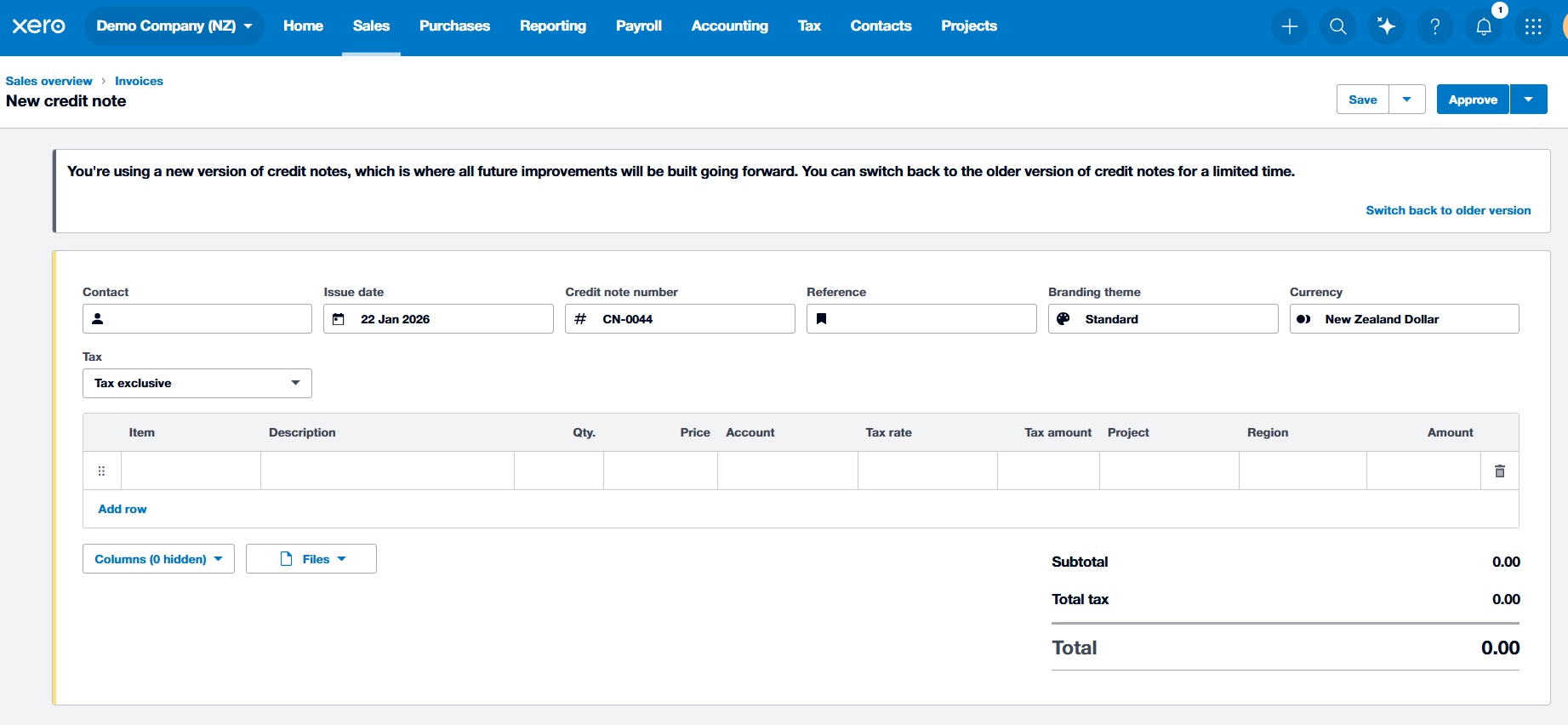
Good news! Xero has just introduced a fresh new look for credit notes, bringing the design and navigation more in line with the invoicing experience you’re already familiar with. The updated layout makes creating and reviewing credit notes feel more intuitive, with clearer history details, improved feedback when errors occur, and a smoother data‑entry experience overall.
For schools, this makes handling refunds for camps or activities, correcting overpayments from parents, or recording supplier credits easier - all while maintaining a strong audit trail.
What’s different:
- Manual Save: Credit notes now need to be manually saved, giving you more control.
- Protected Paid Credits: Paid credits are protected to ensure your audit trail stays accurate.
- Detailed History: You can now see more granular detail in the 'History' section, making it easier to track exactly what changes were made and by whom.
- Improved Error Messages: No more guessing! If something is missing, the new error messages tell you exactly what’s needed so you can approve notes faster.
- Keyboard Efficiency: For the power users among you, the tabbing and data entry experience is now much more efficient.
To explore the updated experience, simply go to Sales > Invoices and select ‘New Credit Note’. You’ll notice the interface is cleaner, and allocating credits across one or multiple invoices is straightforward.